India's ABDM framework uses HL7 FHIR R4 as the standard for health data exchange. Whether you're an HMS vendor, hospital IT team, or integration partner — this technical guide walks you through the complete ABDM FHIR integration process, from sandbox to production.
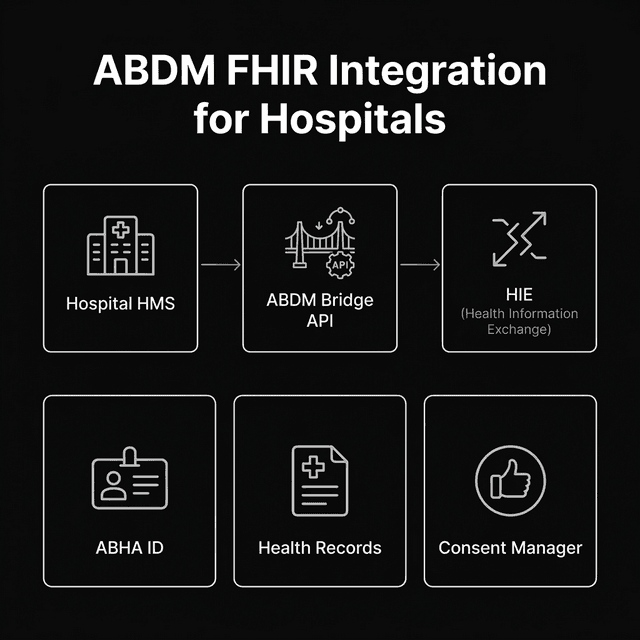
ABDM Architecture Overview
Understanding the key components is essential before integration:
ABDM aims to create digital health records for 1.4 billion Indians by 2030.
Over 45 crore ABHA IDs have been created as of March 2026.
- ABHA (Ayushman Bharat Health Account): Patient's unique digital health ID
- HFR (Health Facility Registry): Registry of all healthcare facilities
- HPR (Healthcare Providers Registry): Registry of verified doctors and healthcare workers
- HIP (Health Information Provider): Entities that create health records (hospitals, labs)
- HIU (Health Information User): Entities that consume health records (with consent)
- Consent Manager: Manages patient consent for data sharing
- Gateway: Central routing service connecting HIPs and HIUs
ABDM Integration Milestones
| Milestone | APIs Required | FHIR Resources | Effort |
|---|---|---|---|
| M1: Registration | ABHA creation, HFR, HPR | Patient, Practitioner, Organization | 2-4 weeks |
| M2: Health Record Linking | Discovery, Link, Care Context | Encounter, DiagnosticReport, MedicationRequest | 4-8 weeks |
| M3: Consent & Data Exchange | Consent, Data Transfer | Bundle, DocumentReference, Composition | 6-12 weeks |
M1: ABHA Registration Integration
M1 is the foundation — creating and verifying ABHA IDs during patient registration.
Key APIs
- Create ABHA: Generate new ABHA ID using Aadhaar or mobile
- Verify ABHA: Authenticate existing ABHA using OTP
- Link ABHA: Link ABHA to your hospital's patient record
- HFR Registration: Register your facility on Health Facility Registry
- HPR Verification: Verify doctors against Healthcare Providers Registry
FHIR Resources Used
- Patient: Demographics, ABHA ID, contact information
- Practitioner: Doctor details, HPR ID, specialization
- Organization: Hospital details, HFR ID, address
M2: Health Record Linking
M2 enables patients to discover and link their health records from your hospital to their ABHA account.
Discovery Flow
- Patient requests record discovery from PHR app
- ABDM gateway sends discovery request to your HMS (HIP)
- Your HMS searches for matching patient records
- Returns list of available care contexts (visits, admissions)
- Patient selects and links desired records
Care Contexts
Each visit/admission creates a "care context" that can be linked. Types include:
- OPD Consultation
- IPD Admission
- Lab Investigation
- Pharmacy Prescription
- Discharge Summary
M3: Consent-Based Data Exchange
M3 is the most complex milestone — implementing consent management and actual health data sharing using FHIR bundles.
Consent Flow
- HIU (requesting hospital) initiates consent request through consent manager
- Patient receives consent notification on PHR app
- Patient reviews and grants/denies consent
- Consent artifact is created and signed
- HIU requests health data from HIP (your hospital)
- HIP validates consent and sends encrypted FHIR data
- HIU decrypts and displays the health records
FHIR Document Types
| Document Type | FHIR Composition | Key Resources |
|---|---|---|
| OPD Record | OPVisitRecord | Encounter, Condition, MedicationRequest |
| Discharge Summary | DischargeSummary | Encounter, Procedure, CarePlan |
| Prescription | PrescriptionRecord | MedicationRequest, Dosage |
| Lab Report | DiagnosticReportRecord | DiagnosticReport, Observation |
| Health Document | HealthDocumentRecord | DocumentReference, Binary |
Testing in ABDM Sandbox
NHA provides a sandbox environment for testing before going to production:
- Sandbox URL: sandbox.abdm.gov.in
- Test ABHA IDs: Pre-generated test accounts for development
- Postman Collections: NHA provides Postman collections for all APIs
- PHR App: Sandbox version of PHR app for consent testing
- Validation: Automated test cases for milestone compliance verification
Common Integration Challenges
| Challenge | Solution |
|---|---|
| FHIR mapping from existing EMR | Create mapping middleware between your data model and FHIR resources |
| Consent callback handling | Implement async webhook handlers with retry logic |
| Data encryption | Use NHA's encryption library (ECDH + AES-GCM) |
| Aadhaar OTP failures | Implement mobile-based ABHA creation as fallback |
| Gateway timeout | Implement proper timeout handling and retry queues |
Frequently Asked Questions
Do I need to build ABDM integration from scratch?
No. You have three options: (1) use an HMS like Adrine that has pre-built ABDM integration, (2) use a third-party technical integrator, or (3) build it yourself using NHA's API documentation. Option 1 is the fastest and cheapest.
What FHIR version does ABDM use?
ABDM uses HL7 FHIR R4 (Release 4) with India-specific profiles. The profiles define which FHIR resources and extensions are required for Indian healthcare data exchange.
Related Articles
- ABHA Technical Integrators India 2026: Complete List
- 15 Standard Modules in Hospital Management System
- LIS Software Guide 2026 for Indian Labs
- NABH 6th Edition Standards 2026: Digital Health Requirements
Skip the Integration Hassle
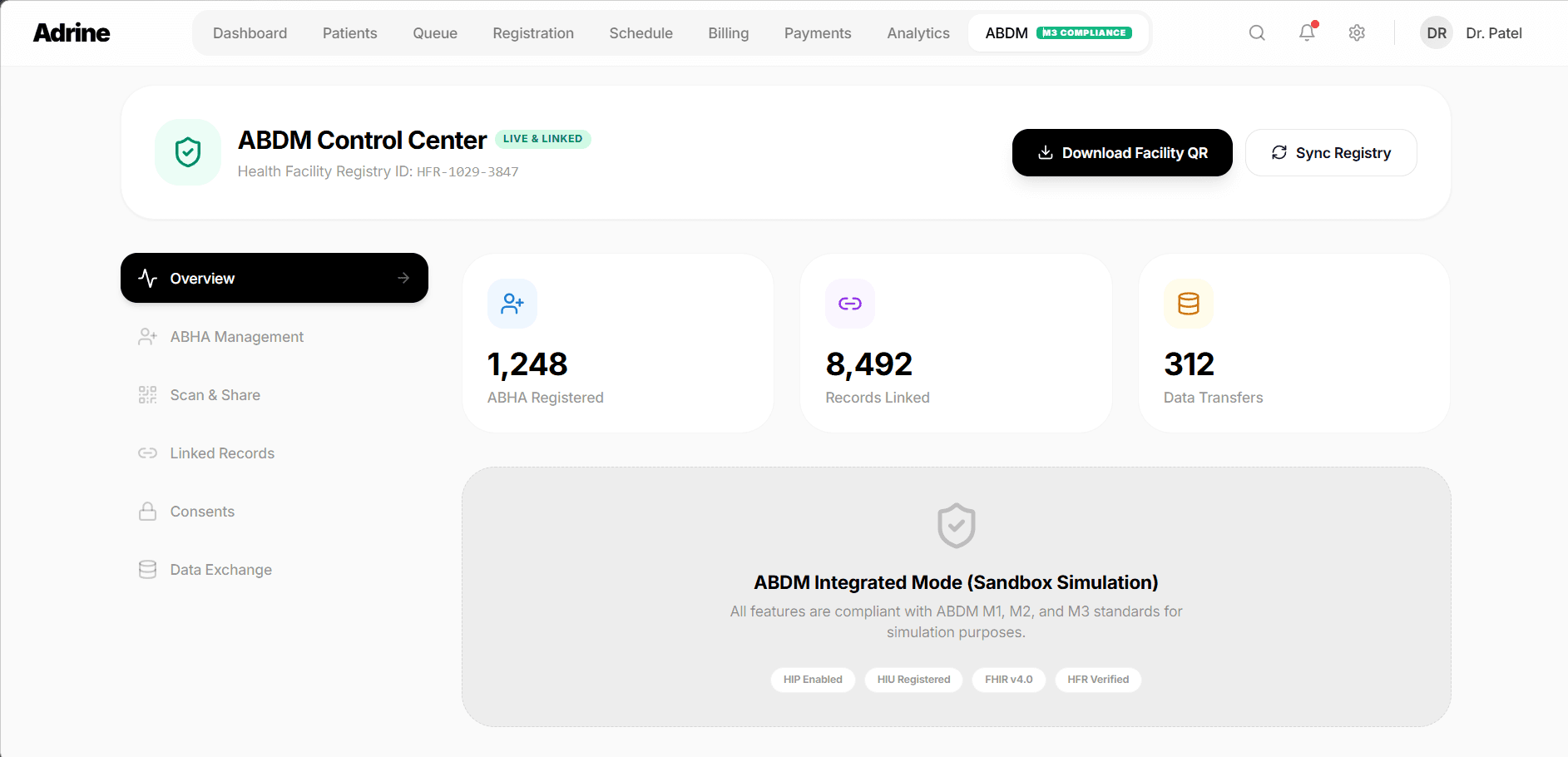
Adrine comes with pre-built ABDM FHIR integration — M1, M2, M3 ready. No API development needed. Go live in weeks, not months.
Book Free Demo