Healthcare data is a prime target for cybercriminals. Patient records sell for ₹500-5000 each on the dark web. With the DPDP Act now in force, Indian hospitals must take data security seriously—or face penalties and reputational damage.
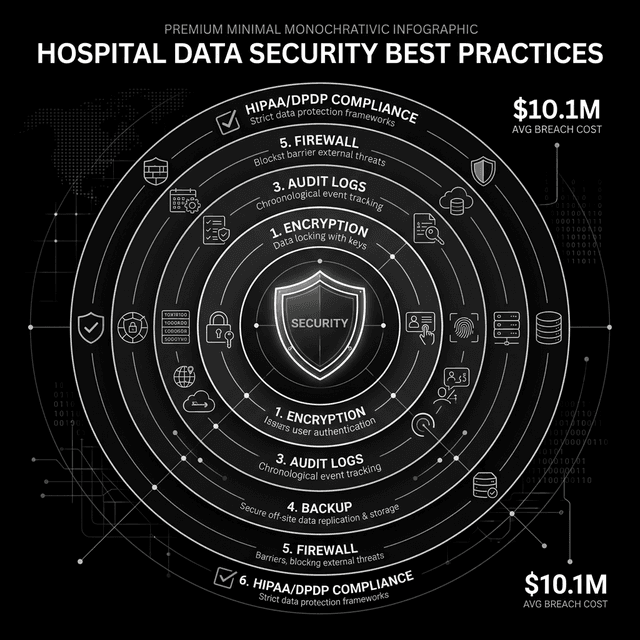
Why Healthcare is Targeted
- High Value: Medical records contain identity + financial + health data
- Legacy Systems: Many hospitals run outdated software
- 24/7 Operations: Can't afford downtime, pay ransoms quickly
- Multiple Entry Points: Many connected devices and users
Encryption
Data encrypted at rest and in transit
Access Control
Role-based, need-to-know access
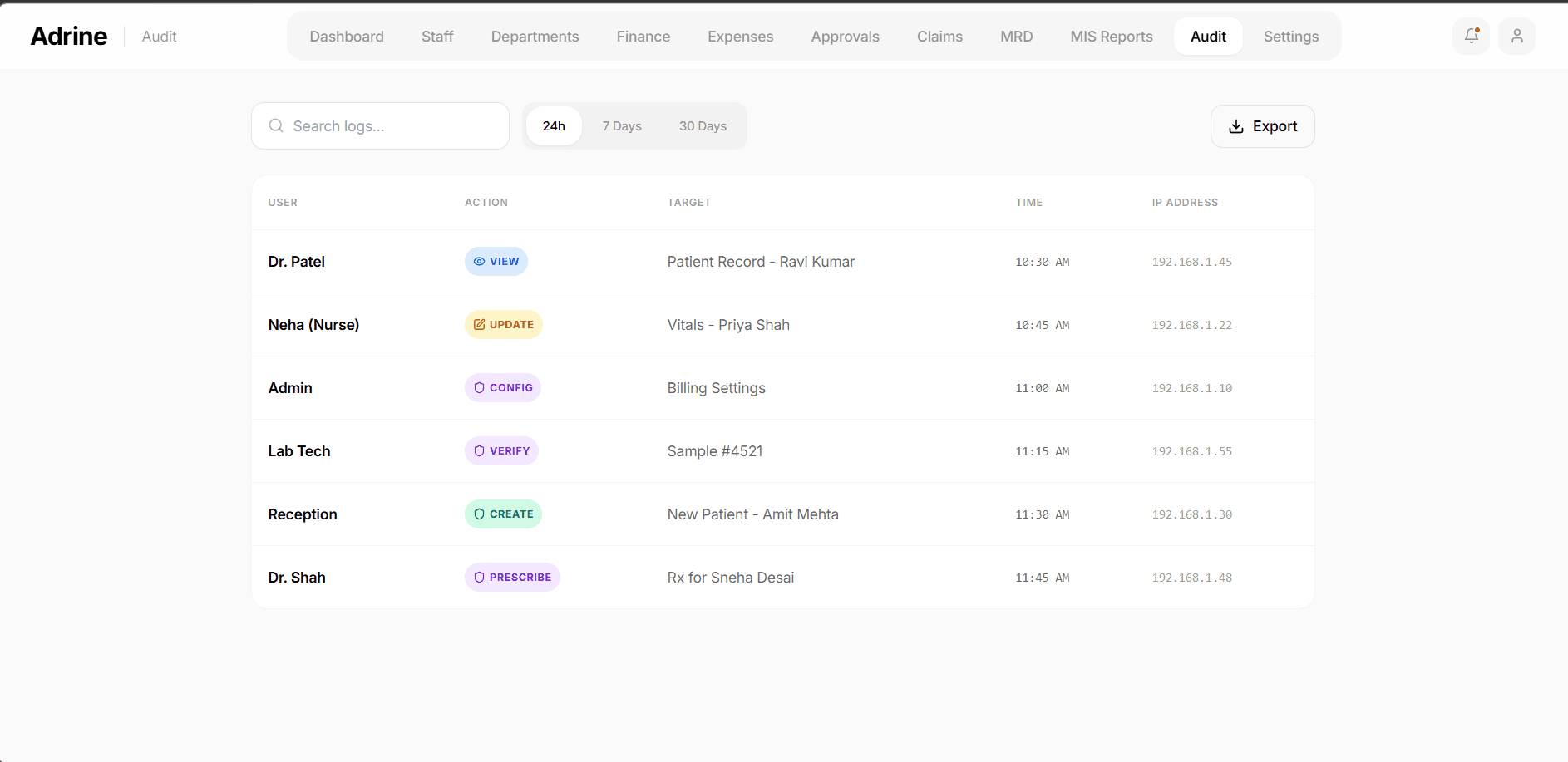
Audit Trails
Log who accessed what, when
Backups
Regular, tested, offsite backups
Common Threats
- Ransomware: Encrypts data, demands payment
- Phishing: Staff tricked into revealing credentials
- Insider Threats: Employees stealing/selling data
- Weak Passwords: Easily guessed credentials
- Unpatched Systems: Known vulnerabilities exploited
- Physical Access: Unsecured computers and records
DPDP Act 2023 Requirements
The Digital Personal Data Protection Act requires:
Healthcare data breaches cost an average of $10.1 million per incident.
95% of data breaches in hospitals are caused by human error.
- Lawful Processing: Valid consent or legitimate purpose
- Purpose Limitation: Use data only for stated purpose
- Data Minimization: Collect only what's necessary
- Accuracy: Keep data correct and updated
- Storage Limitation: Delete when no longer needed
- Security: Reasonable safeguards against breaches
- Breach Notification: Report breaches to Data Protection Board
Security Best Practices
1. Access Control
- Role-based access (doctor sees different data than receptionist)
- Unique user IDs for each staff member
- Multi-factor authentication for sensitive access
- Regular access reviews and removal
2. Encryption
- Encrypt data at rest in databases
- HTTPS for all data in transit
- Encrypt backups
- Secure key management
3. Network Security
- Firewall protection
- Network segmentation (separate medical devices)
- VPN for remote access
- Regular vulnerability scanning
4. Physical Security
- Automatic screen lock on all computers
- Secure server room access
- Paper record security
- Visitor management
5. Staff Training
- Regular security awareness training
- Phishing simulations
- Password hygiene education
- Incident reporting procedures
6. Backup & Recovery
- Daily automated backups
- Offsite/cloud backup copy
- Regular restore testing
- Documented recovery procedures
What to Look for in HMS Security
- ✅ SOC 2 Type II certified
- ✅ Data encryption at rest and in transit
- ✅ Role-based access control
- ✅ Comprehensive audit logs
- ✅ Multi-factor authentication
- ✅ Regular security updates
- ✅ Data hosted in India
Breach Response Plan
Every hospital should have a documented plan:
- Identification and containment steps
- Internal notification chain
- Patient notification procedures
- Regulatory notification (Data Protection Board)
- Forensic investigation process
- Recovery and remediation
Choose Secure HMS
Adrine is built with enterprise-grade security—encryption, audit logs, and role-based access.
View Security Features